Local Status Lights or an App: Which One Matters During an Outage?
Compare local battery indicators with app monitoring and prepare a simple outage handover that works even when Wi-Fi does not.
An app is excellent until the router loses power, the password is forgotten or the person holding the phone is not home.
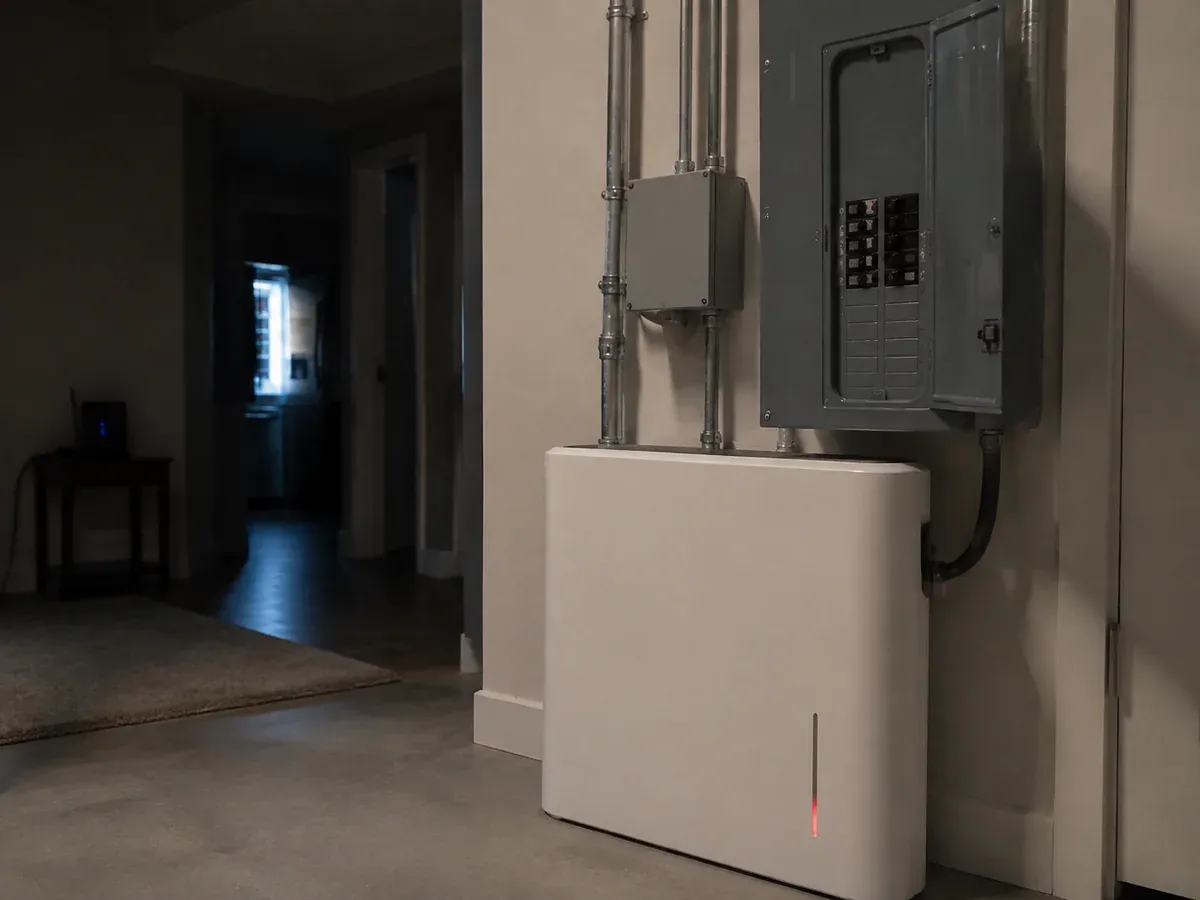
Local indicators and remote monitoring do different jobs. The product display should answer immediate questions—running, charging, fault or low energy—while the app may provide history, settings and remote alerts.
Ask for a two-layer handover
The owner should receive a one-page explanation of local indicators and a separate guide to the app. Confirm which controls remain available without internet access and which data may stop updating.
Test the awkward moment
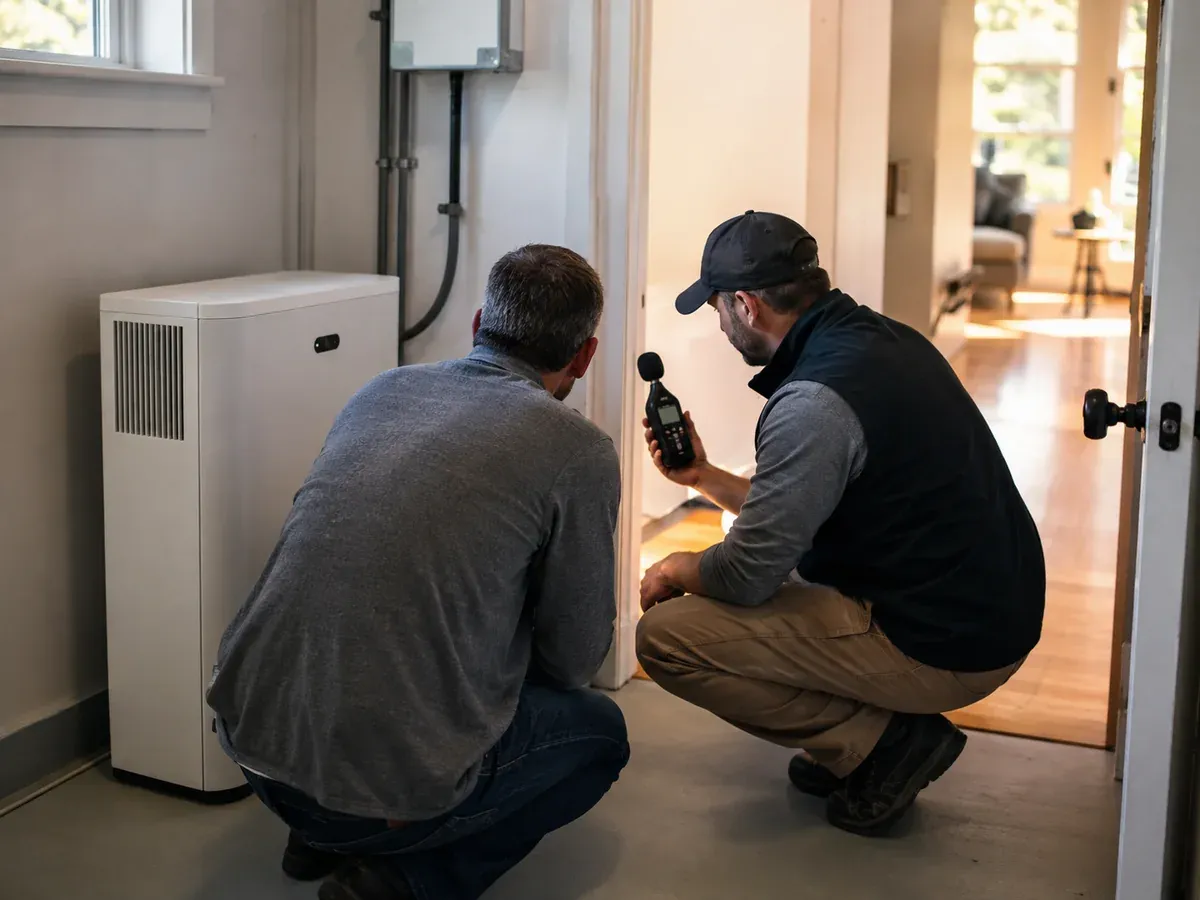
During commissioning, disconnect internet access where appropriate and verify what remains visible locally. Then restore the connection and confirm that monitoring recovers. Record support steps without relying on a technician’s memory.
A simple owner checklist
- Identify normal, charging and fault indicators.
- Know the reserve setting and who may change it.
- Keep the router on the essential-load list if remote access matters.
- Store the manual and support details offline.
- Never treat a warning light as decorative mood lighting.
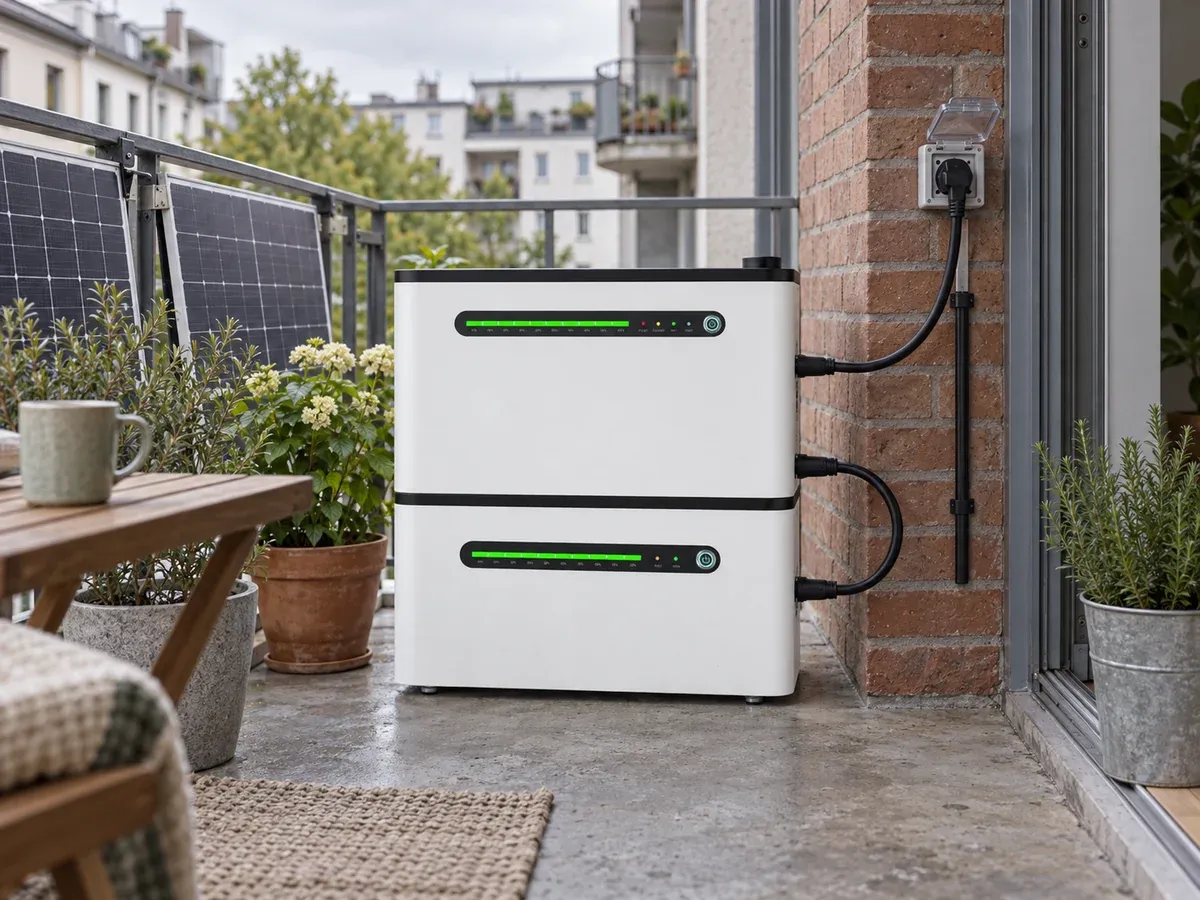
The proposed stacked LinkPower balcony ESS uses front status indicators and 2.4 GHz Wi-Fi in its current pre-release specification. Final app functions will follow the released documentation.
Send your monitoring and backup priorities, or review LinkPower residential systems.